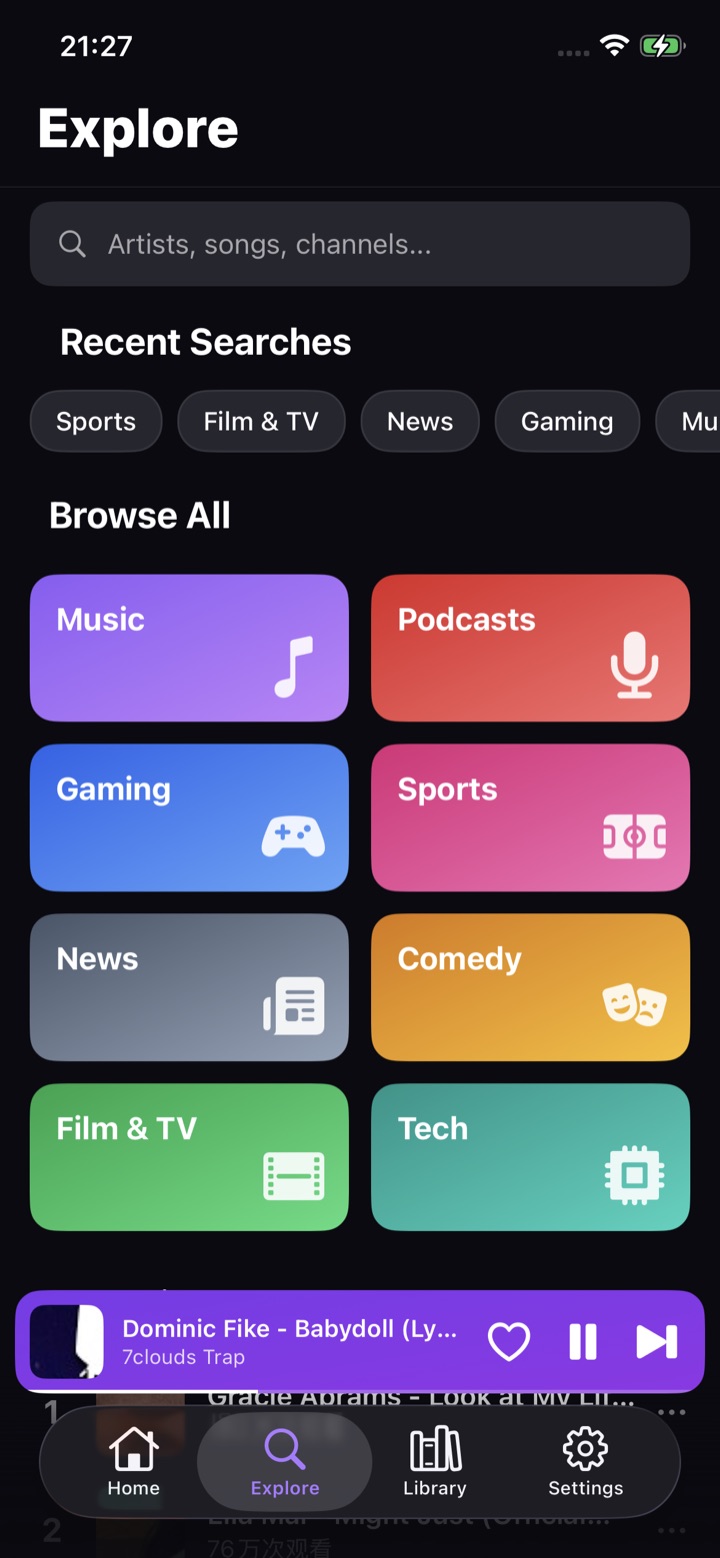
Browse Music, Podcasts, Gaming, Sports, News, Comedy, Film & TV, and Tech from a colorful home feed.
Lightweight video & music player
PlyTube
Explore trending categories, search anything, build playlists, and keep watching where you left off — with background playback and picture-in-picture in a fast, distraction-free player.
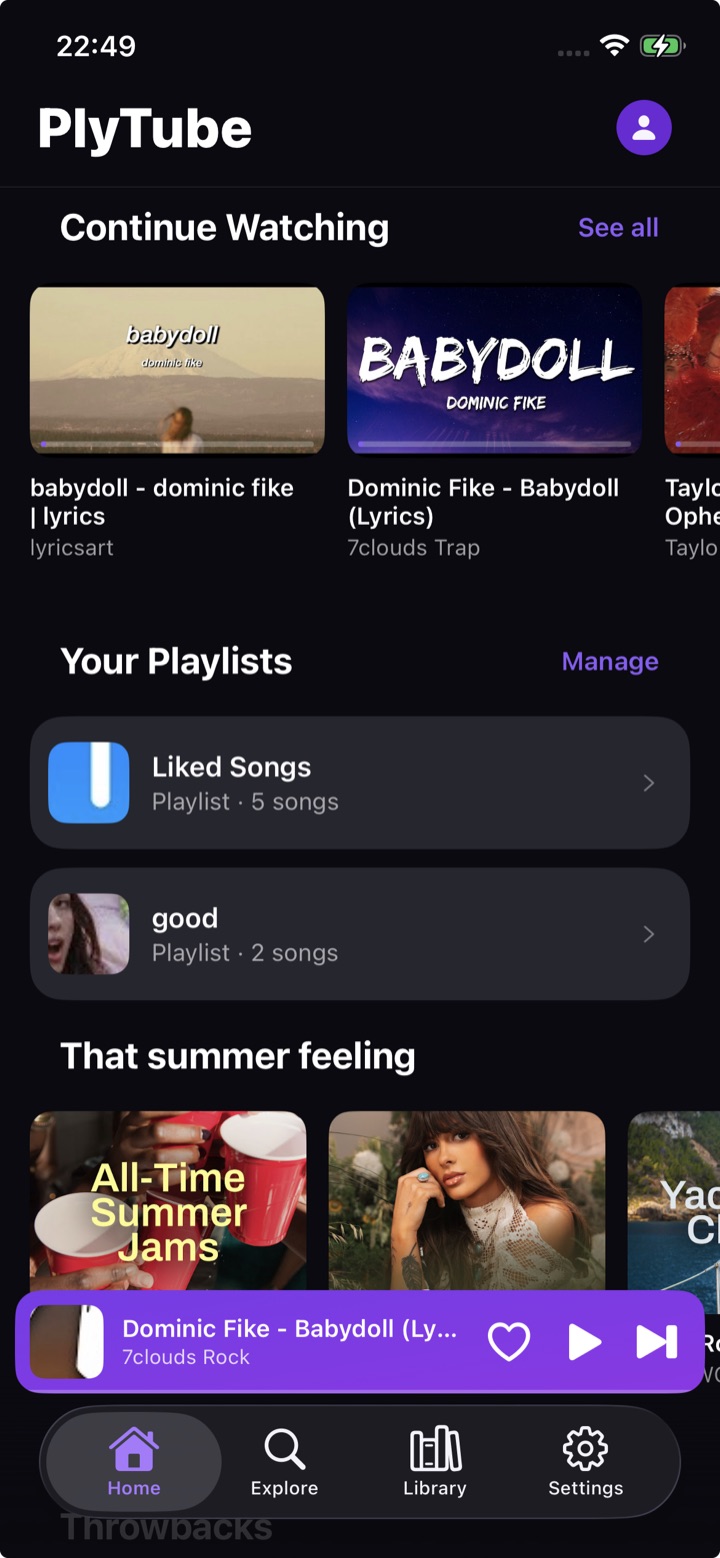
Watch and listen, your way.
PlyTube brings discovery, search, playlists, a full-screen player, and flexible playback options together in one focused mobile experience.
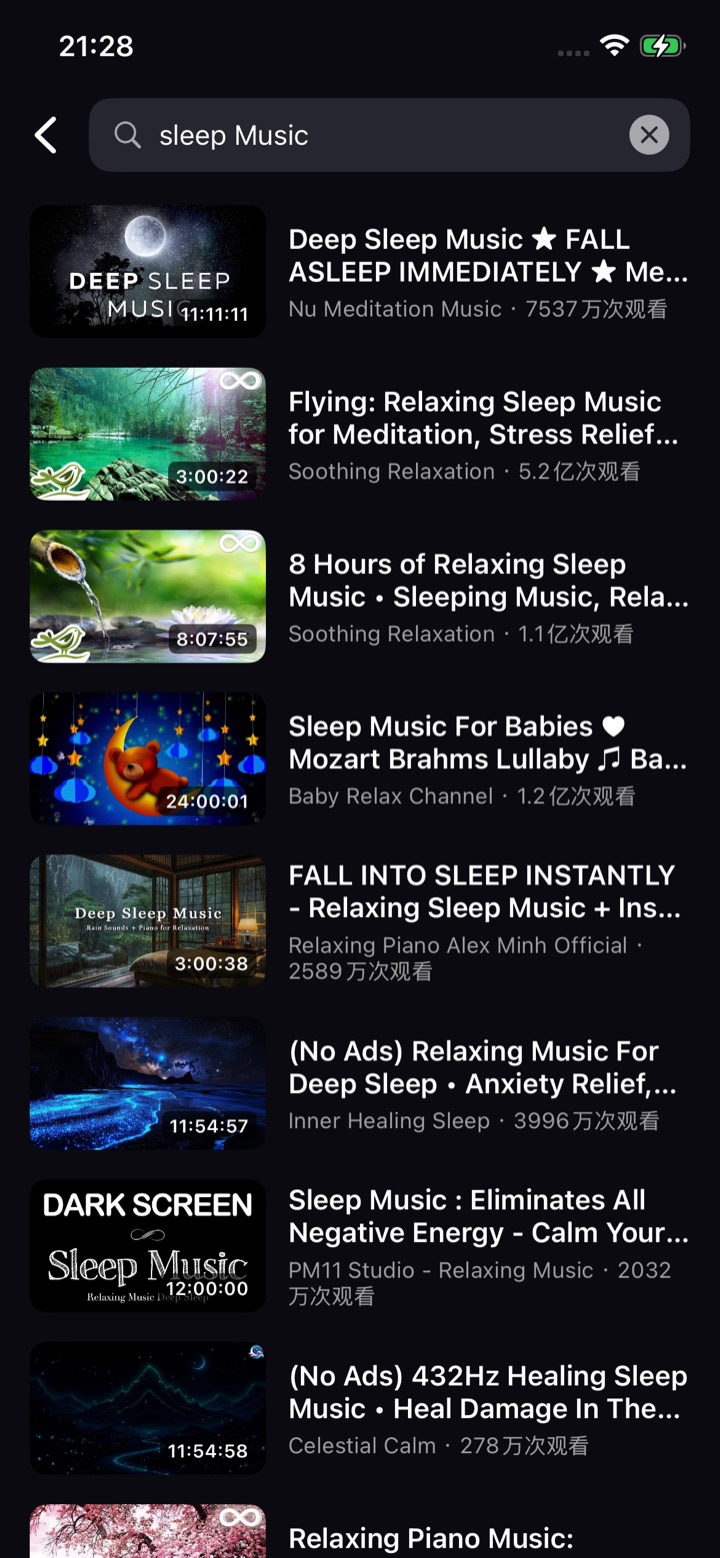
Find artists, songs, and channels with recent searches and instant results for whatever you want to watch.
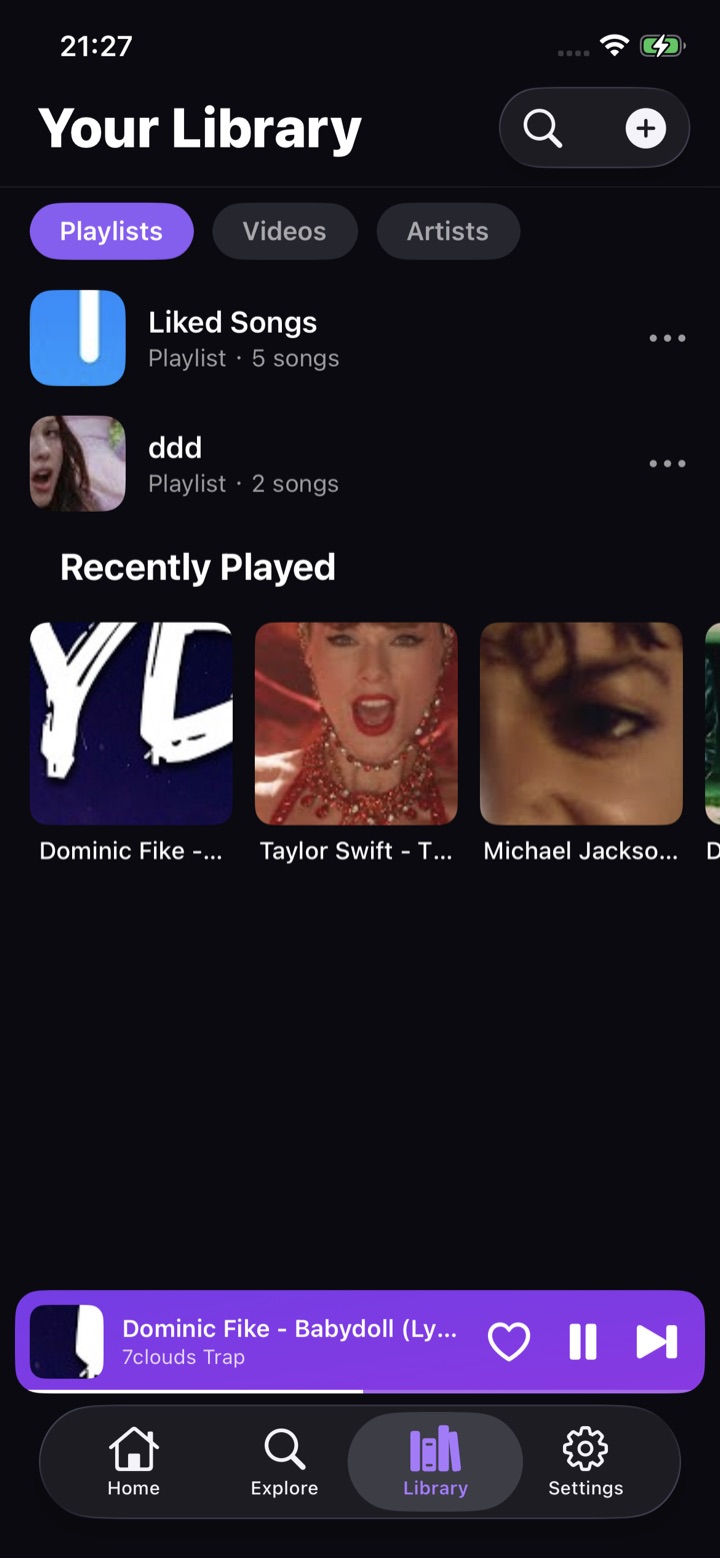
Keep liked songs, custom playlists, saved videos, artists, and recently played all in one place.
Pick up right where you left off with progress-aware cards on your personalized home screen.
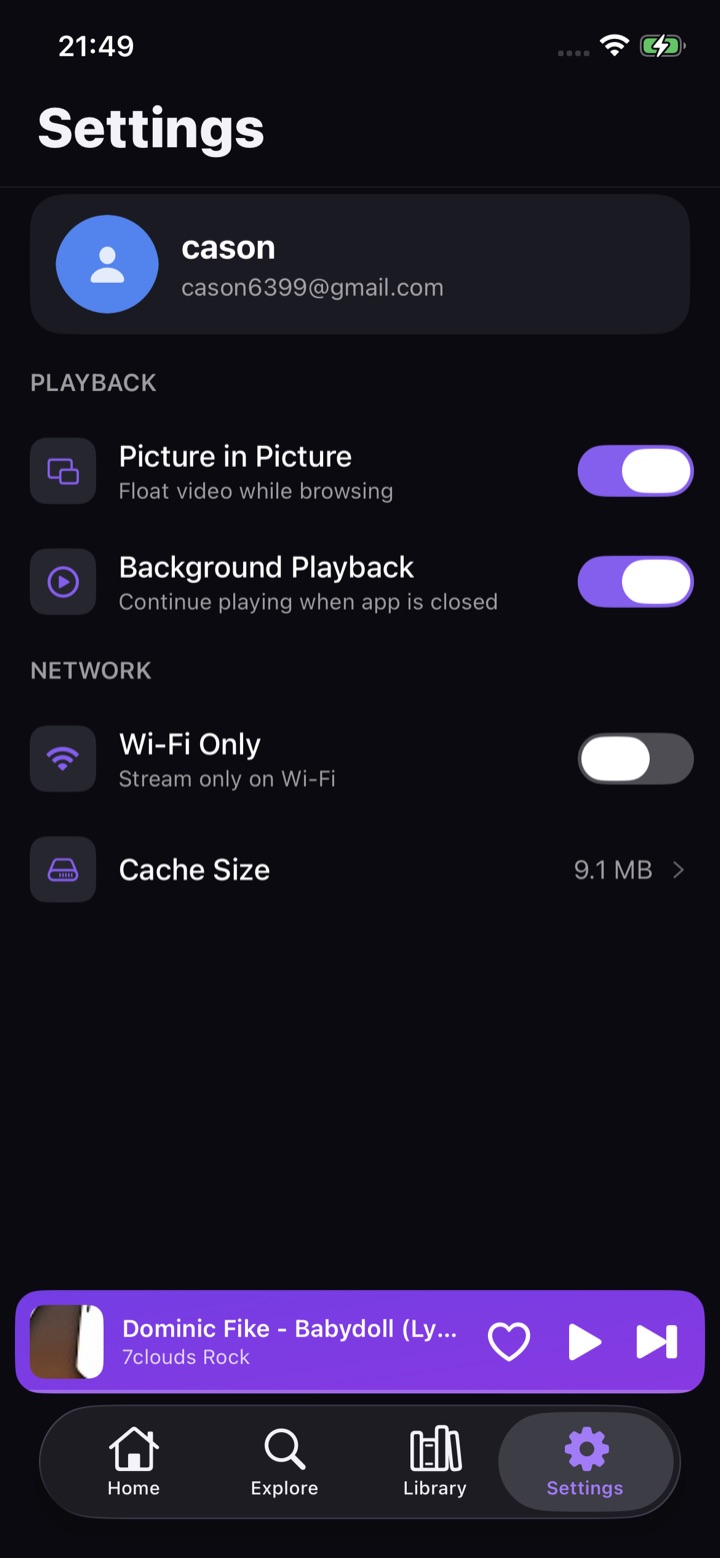
Keep audio playing when the app is closed, or float a video in picture-in-picture while you browse.
A dark, fast, thumb-friendly interface with a persistent mini-player and full-screen playback.
Simple viewing flow.
PlyTube keeps the important actions close: discover something, search for it, save it, and play it with fewer distractions.
Explore or search
Browse categories or search for artists, songs, and channels.
Save & organize
Add videos to playlists, like songs, and build your library.
Watch anywhere
Use the mini-player, full screen, background audio, or PiP.
App Screens
A quick look at home, explore, library, search, playlists, playback, and settings.